Meet. Right inside the chat.
Instant rooms in a tap. Scheduled meetings inside any Space. Share the link and anyone joins from the web. Powered by Kardocloud — no outside vendors.

One tap from chat to a live meeting.
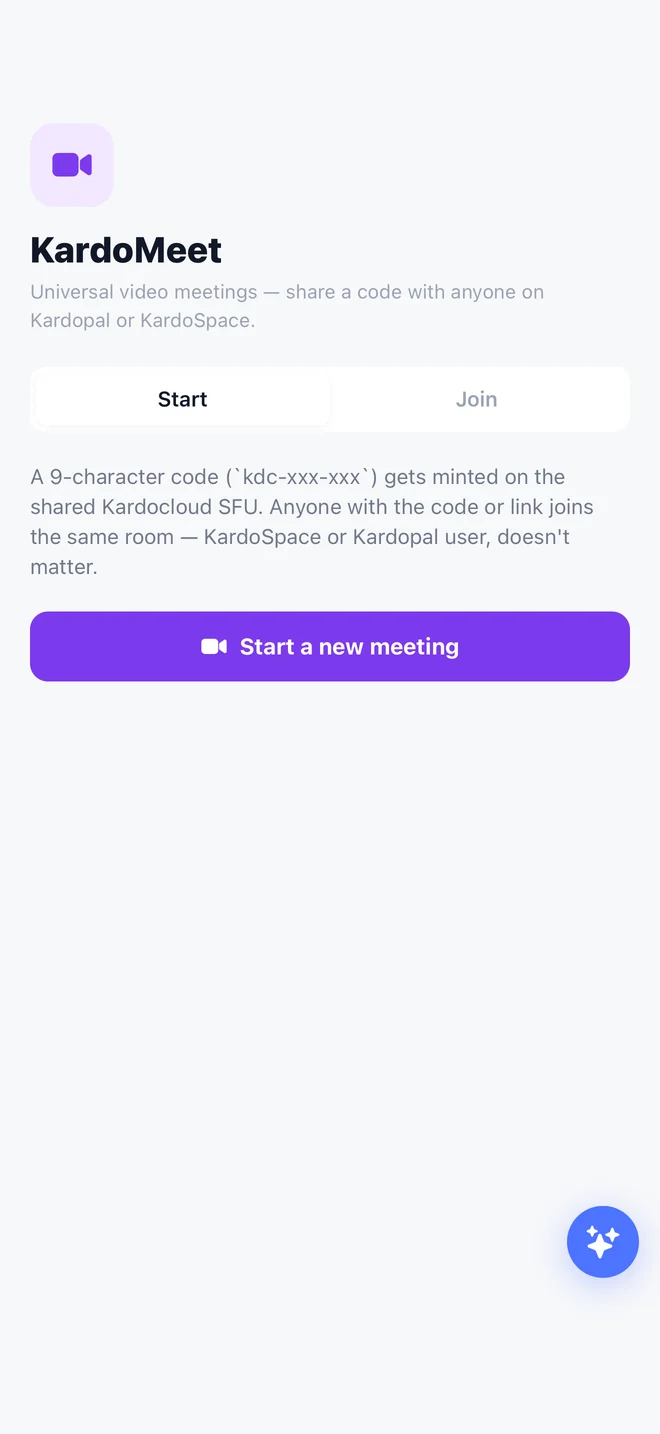
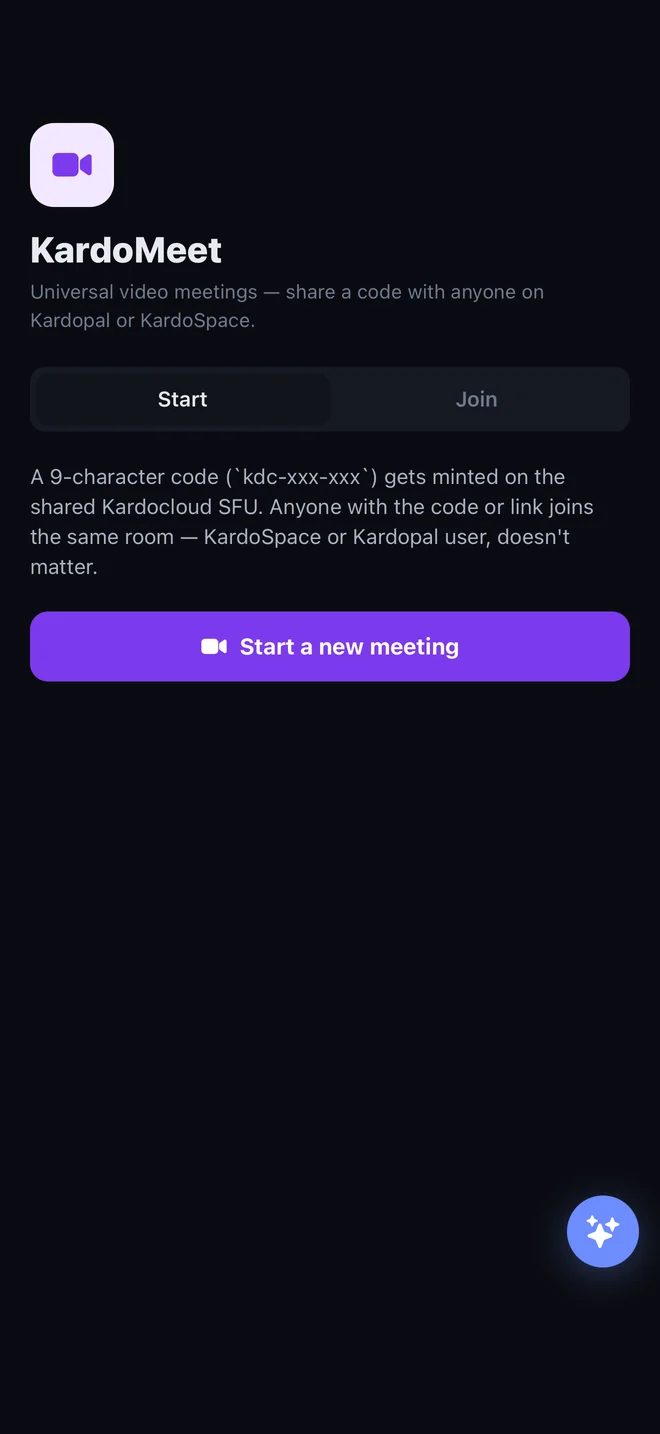
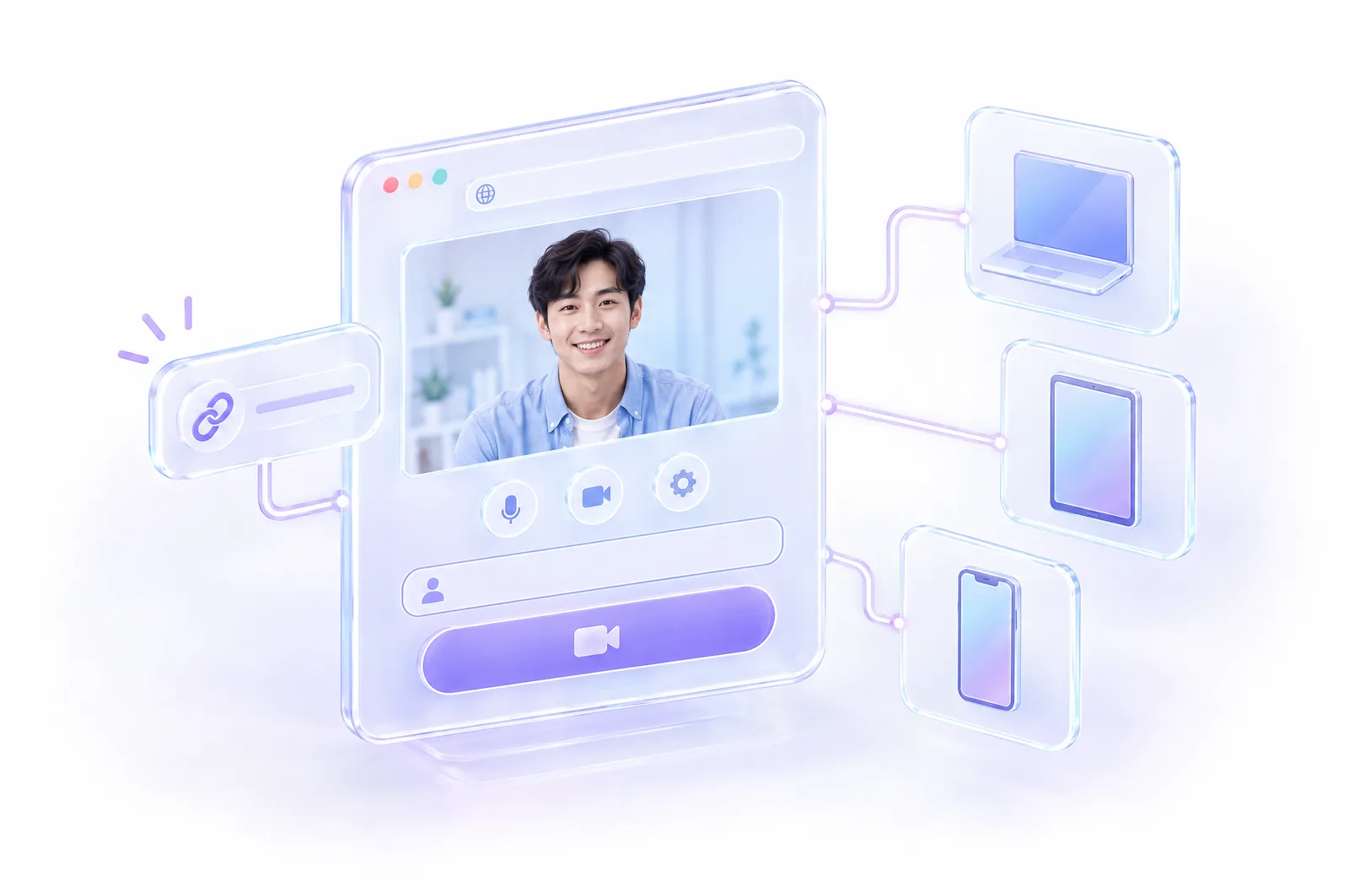
Open KardoMeet and tap Start. You get a meeting code, a lobby with your camera and mic preview, and a link to share. This is the real KardoMeet screen, captured from the app.
- Lobby previewCheck your camera and mic before you join.
- Share + copyCopy the meeting link in one tap and paste it anywhere.
- No setupGuests join from a browser — no account for link-only meetings.
Meetings that belong to a Space.
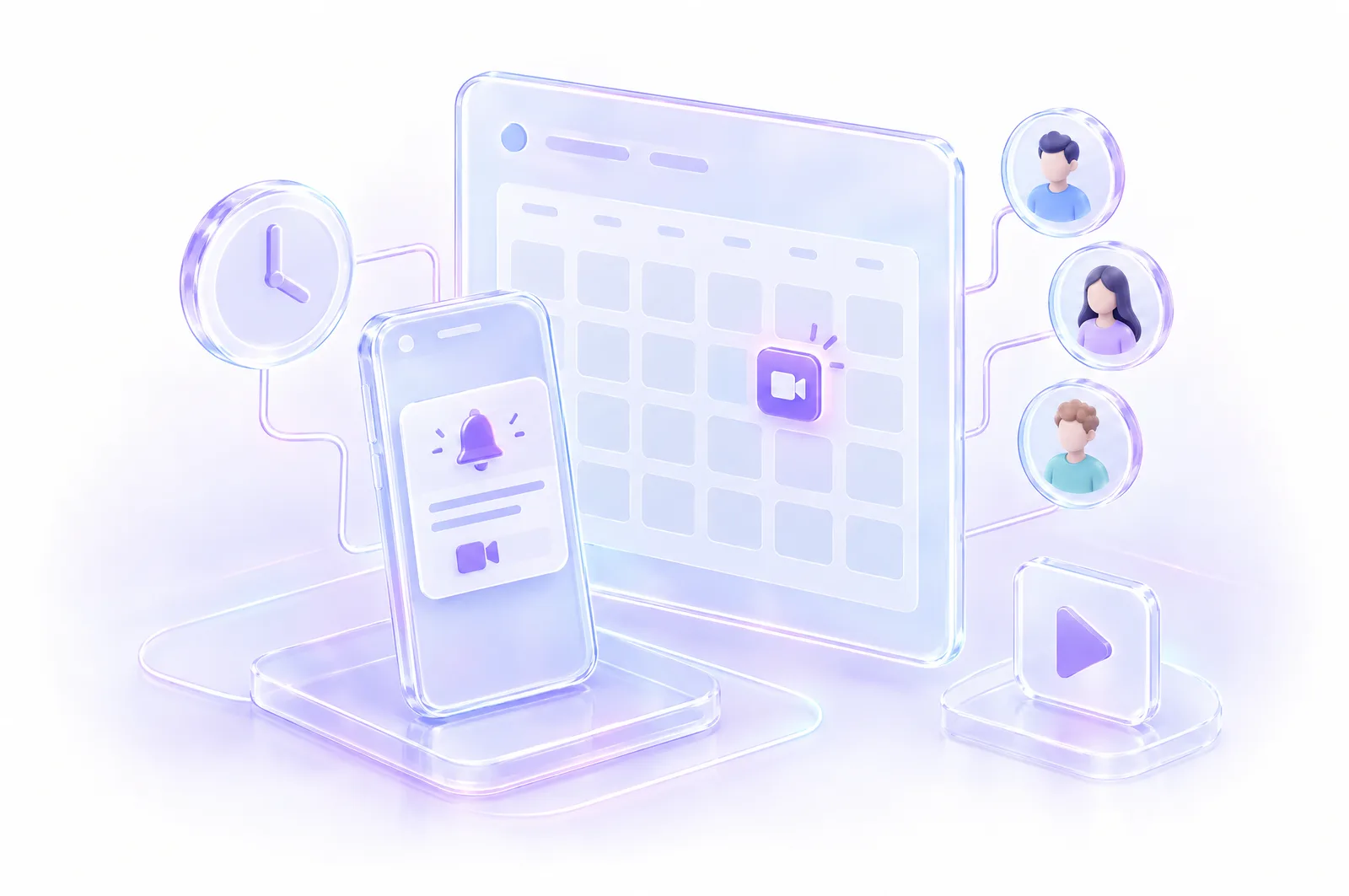
Inside a Space, open Meet and schedule. The meeting shows up in the Space’s calendar, and everyone gets a reminder when it’s about to start.
- Calendar in the SpaceMembers see upcoming and past meetings at a glance.
- RecordingsRecorded meetings can be shared to the Space’s feed.
Anyone, any browser, no install.
Open the meeting link in any browser, type your name, and click Join. No download, no account, no setup — on a laptop, tablet, or phone.
- No app requiredWorks in Chrome, Safari, Firefox, and Edge.
- Link-only roomsGuests join without making an account.
- Opens the appOn iPhone, the link opens KardoSpace if it’s installed.
The same media engine as Kardolive.
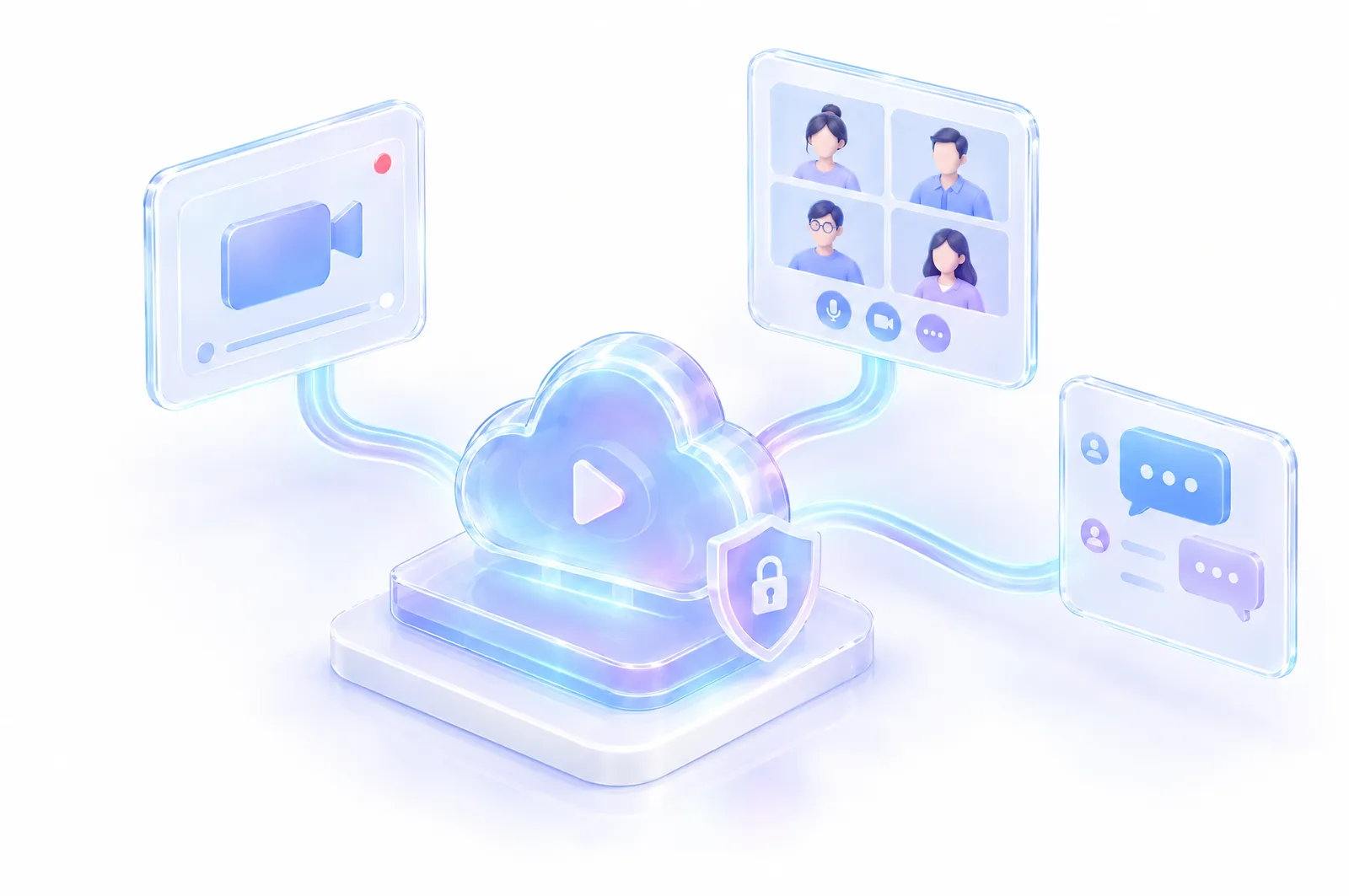
KardoMeet runs on the media engine that powers Kardolive — built in-house for the way Kardocloud apps use it. One platform, one team behind it.
- One platformLive, meetings, and chat share the same Kardocloud engine.
- No outside vendorYour meetings never leave Kardocloud.
Get KardoSpace on your phone.
Free forever. No ads. The full experience lives on your iPhone or Android — the web is for managing your account.